
Karbon is a leading cloud-based practice management platform for accounting firms, designed to streamline workflows, team collaboration, and client communication.
The Karbon Data Sync in FuseSign will allow you to connect your FuseSign account to Karbon, enabling your client data to seamlessly flow into FuseSign as read-only contact records.
Karbon Contacts
Currently FuseSign will import any People contact records from Karbon, found under Contacts > People. Only contacts with a valid Name and Email Address will be imported. Mobile and Preferred Name data is also supported, if they exist for the contact and are valid.
Adding a new person in Karbon will automatically set their First Name as a Preferred Name. If you do not want this field to be imported into FuseSign, it will need to be manually deleted from the Contact in Karbon under Details > Edit.
Contacts from Organizations or Client Groups in Karbon will not be imported to FuseSign. If this functionality would please register interest to support@fuse.work.
Connecting Karbon Contact Data Sync
Only users delegated as a FuseSign Champion can connect the Karbon Contact Data Sync. Set up also requires access to Karbon API Integration Settings.
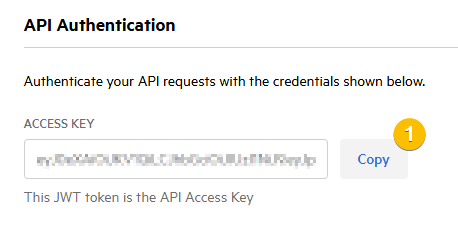
Step 1: Copy your Karbon API Access Key from the Karbon platform via Settings > Integrations and Tools > Connected Apps > FuseSign > Manage
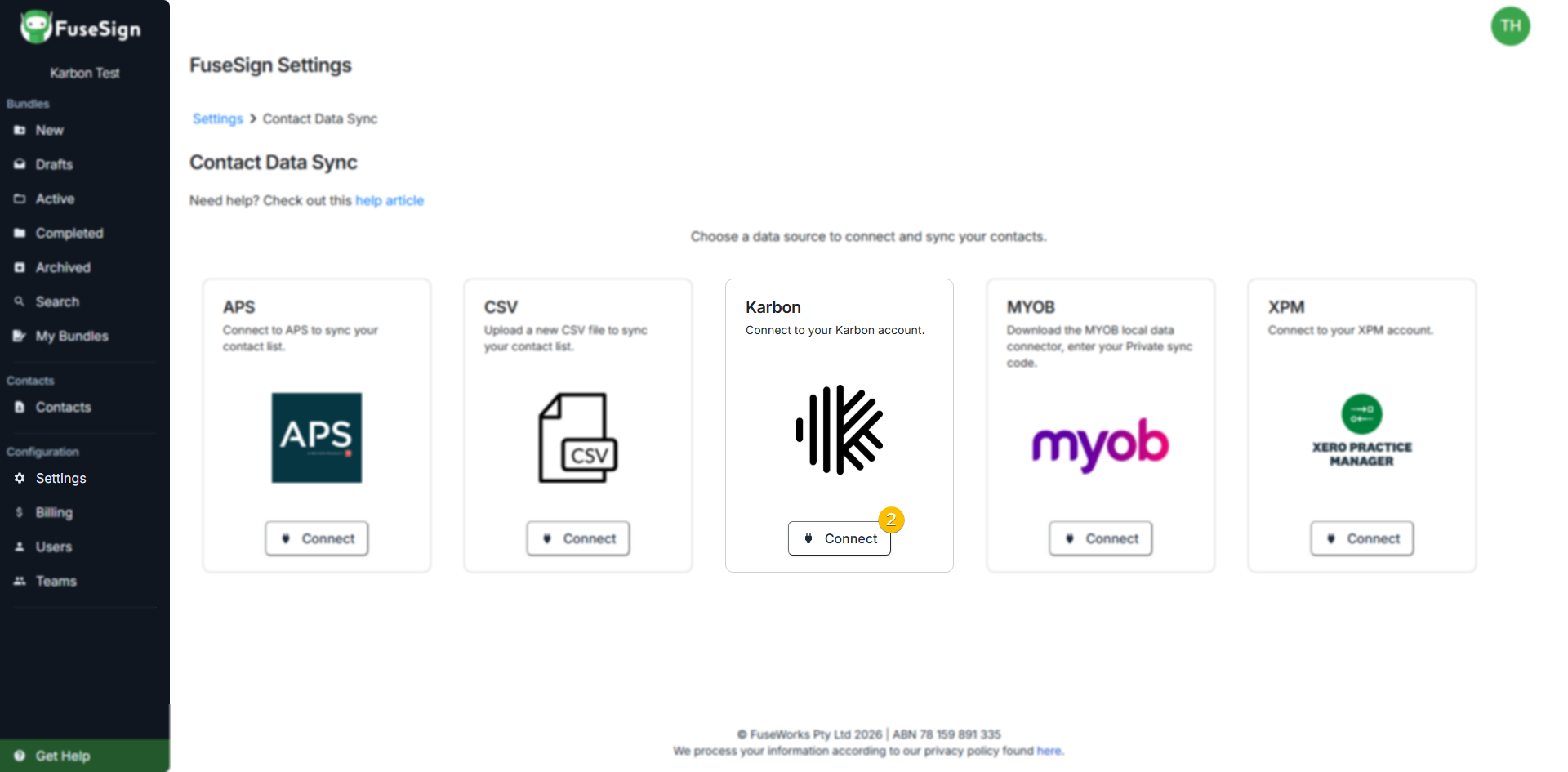
Step 2: In FuseSign navigate to Settings > Contact Data Sync > Karbon > Connect
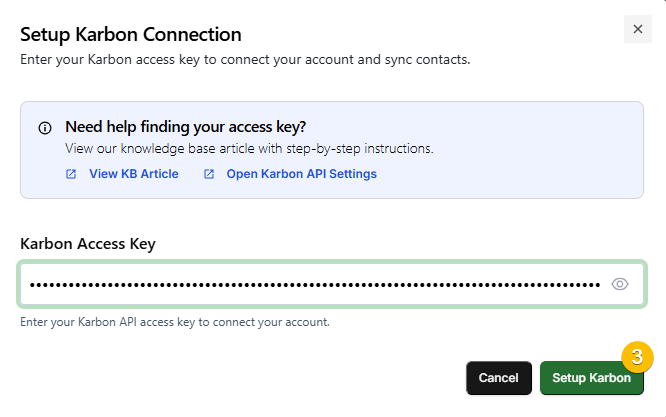
Step 3: Paste the Access Key from Karbon into the Access Key field and select Setup Karbon to establish the data sync.
Once connected, your Karbon Synced Contact Records can be found in FuseSign under Contacts > Karbon.
Automatic Updates
The Contact Sync feature will sync your contact data from Karbon every hour, as long as long as the Karbon Access Key remains the same across both platforms. This will import new contacts created and update the details of any contacts updated within Karbon.
Three sync failures in a row will trigger an email notification to your billing email account (FuseSign > Billing > Billing Email).
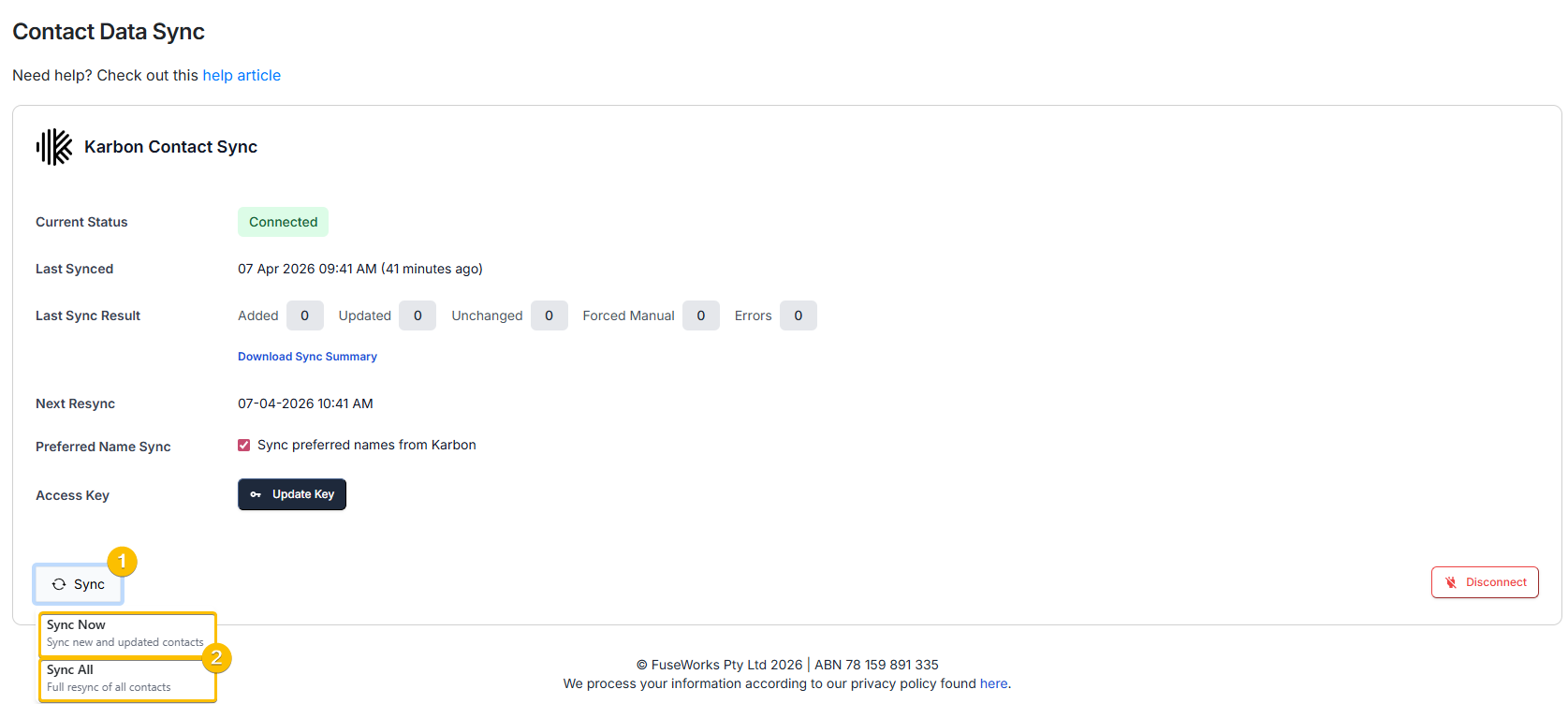
You can manually resync this connection by pressing the Resync button on the Contacts Data Sync settings page to update recent changes.
Contacts on Active Bundles: Contact details will update for contacts on active bundles. If an email address has changed you will need to trigger a reminder to resend the bundle to the correct email address. If a mobile number has changed then the recipient can use their existing bundle link and continue as usual.
Deleted Contacts in Karbon: If contacts previously synced have been deleted in Karbon, FuseSign is unable to detect this change. The deleted contacts remain in FuseSign as contact records until manually deleted.
Disconnecting
You can disconnect from Karbon at any time via Settings > Contact Data Sync > Disconnect.
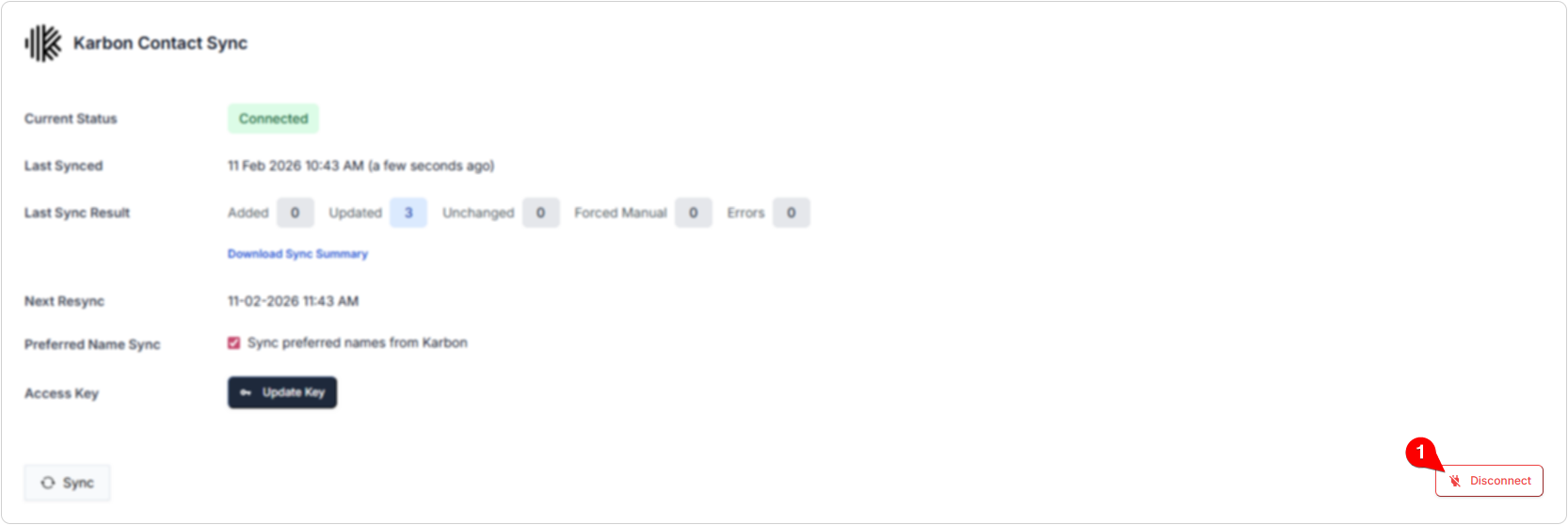
All Data Sync contact records will be converted into Manual records until the connection is re-established.
Limitations
Karbon’s data validation limits adding contacts with an email address that matches the domain of your account. This means that no internal contact records will be created in FuseSign via the Contact Sync (assuming all users match this domain and this again matches your FuseSign user list).
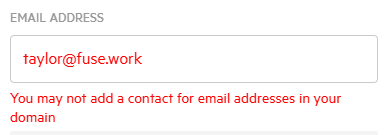
If you intend to use Internal contact records, these will need to be either manually created in FuseSign, or imported from another External platform. Please see Contact Types for further information.
Missing Contacts
For a contact to be populated into FuseSign, it must have a full name, a valid email address, and a valid mobile number, or no (blank) mobile number.
You can download a CSV file summarising any records which were not able to be imported under Settings > Contact Data Sync > Download Sync Summary

If you have any questions, please contact our support team on support@fuse.work.