
FuseSign is now integrated with Content Snare, giving accounting firms a more connected way to collect client information, gather supporting documents and send documents for digital signature within the same workflow.
Content Snare helps firms collect client information, supporting documents and approvals without relying on long email chains or manual chasing. It is commonly used for client onboarding, document collection, tax-time requests and AML-related processes where firms need complete, accurate information from clients before work can move forward.
The new FuseSign integration adds digital signing directly into that workflow, allowing firms to send documents for signature through FuseSign from inside a Content Snare request.
Connecting the Integration
This integration must be connected by a user who is both an Administrator in Content Share and FuseSign Champion in FuseSign.
-
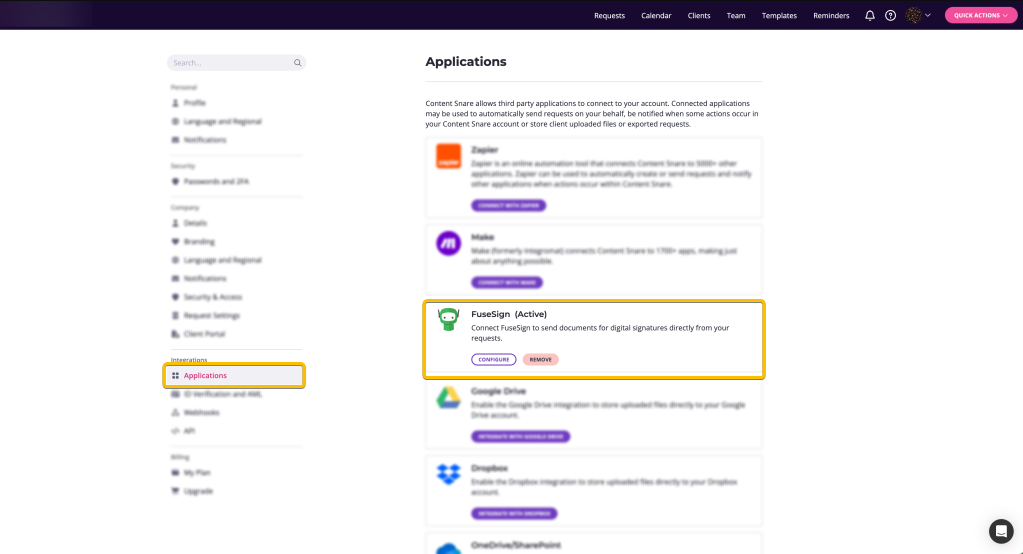
Navigate to Settings > Applications in Content Snare.
-
Find FuseSign in the list and click the Connect button.
-
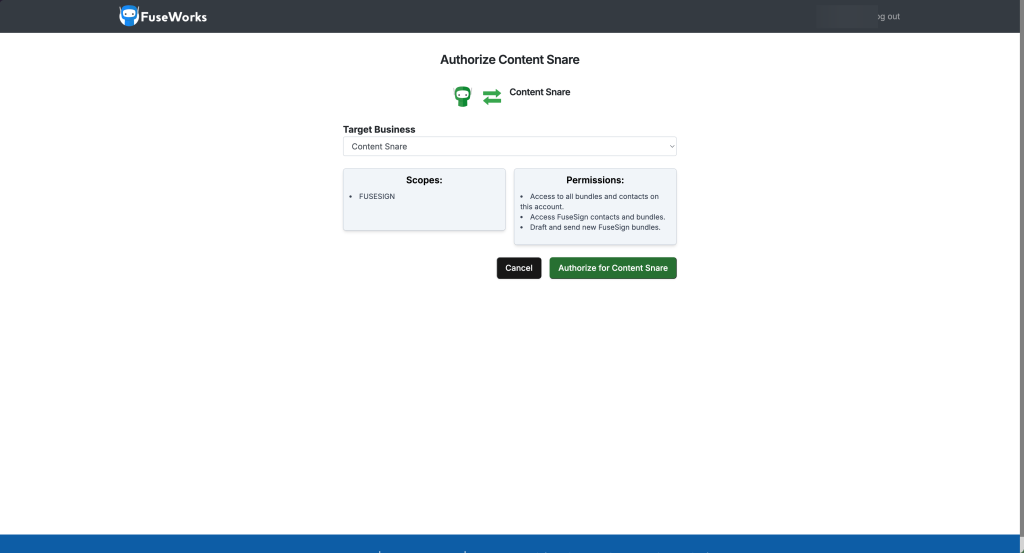
You will be redirected to FuseSign to authorise the connection. On this screen, select the Target Business you want to connect, then click Authorize for Content Snare.
Configuring and sending documents through Content Share
For information on how to configure the FuseSign integration and signing through Content Share, please see: https://contentsnare.com/help/knowledge-base/fusesign
Troubleshooting
For any queries regarding a bundle sent via Content Share, we recommend contacting their support team as a first step:
https://contentsnare.com/help/submit-a-ticket/