
Restricted Signature Modes gives accounting firms greater control over how recipients can sign documents. Some documents or internal processes may require a particular style of signature.
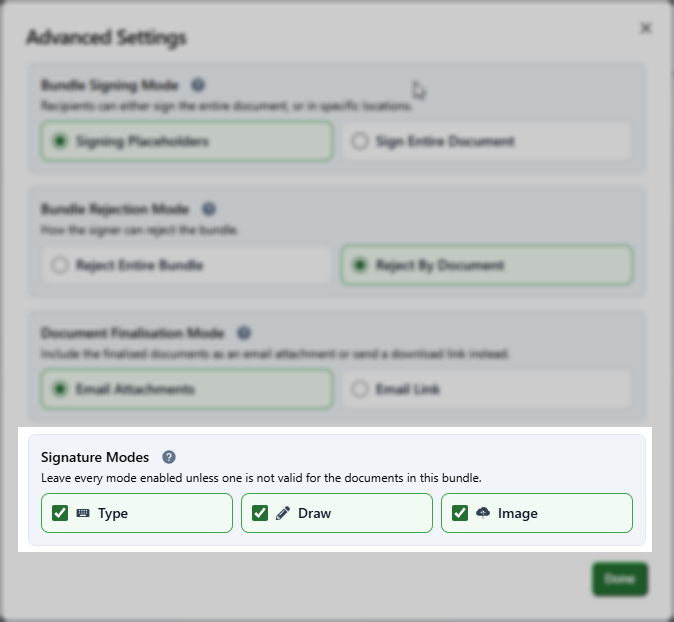
With Restricted Signature Modes, firms can disable signature options that are not suitable for a specific bundle. For example, a firm can disable Typed signatures so recipients must Draw their signature or Upload an Image instead.
The new feature allows firms to:
-
Choose which signature modes are available to recipients
-
Enable or disable Typed, Draw and Upload Image options
-
Apply restrictions only to bundles that need them
-
Clearly identify affected bundles with a Restricted Signature Modes tag
-
Maintain a straightforward signing experience by showing recipients only the permitted options
Learn how to restrict signature modes here.